Start using WS.PEMS
WS.PEMS collects plant measurements, calculates emissions and makes compliance reports. Use it to monitor your plant, respond to alarms and trace reported values to their inputs.
After you sign in, WS.PEMS opens Overview. This page shows a map of your facilities, an emissions overview and the active alarms.
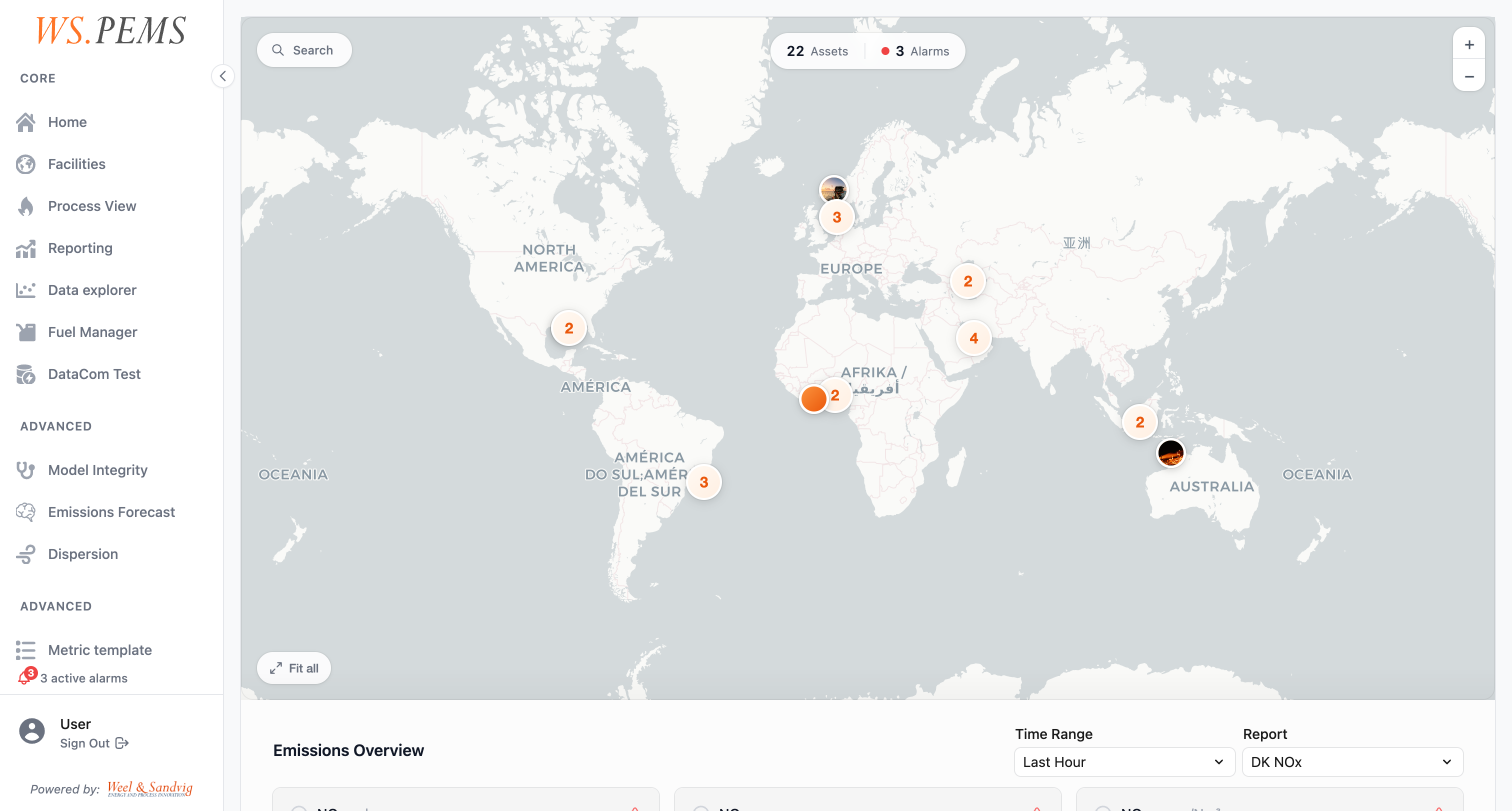
The menu shows only the screens that your role can open. If you cannot find a screen, speak to your administrator.
First tasks
- Find a screen: learn how the main menu is organised.
- Read the Overview page: see the status of your facilities.
- Watch live values in a process view: follow one emission source.
- Respond to alarms: acknowledge, clear and sign off alarms.
- Generate a report: make a compliance report for a period.
- Trace a reported value: follow a value back to the sensor data.
Learn the terms
Key concepts explains regions, assets, emission sources and tags. Read it when a term on a screen is new to you.
Set up the system
Administrators set up the facilities, fuels, models, pipelines and jobs. Start with Administration.